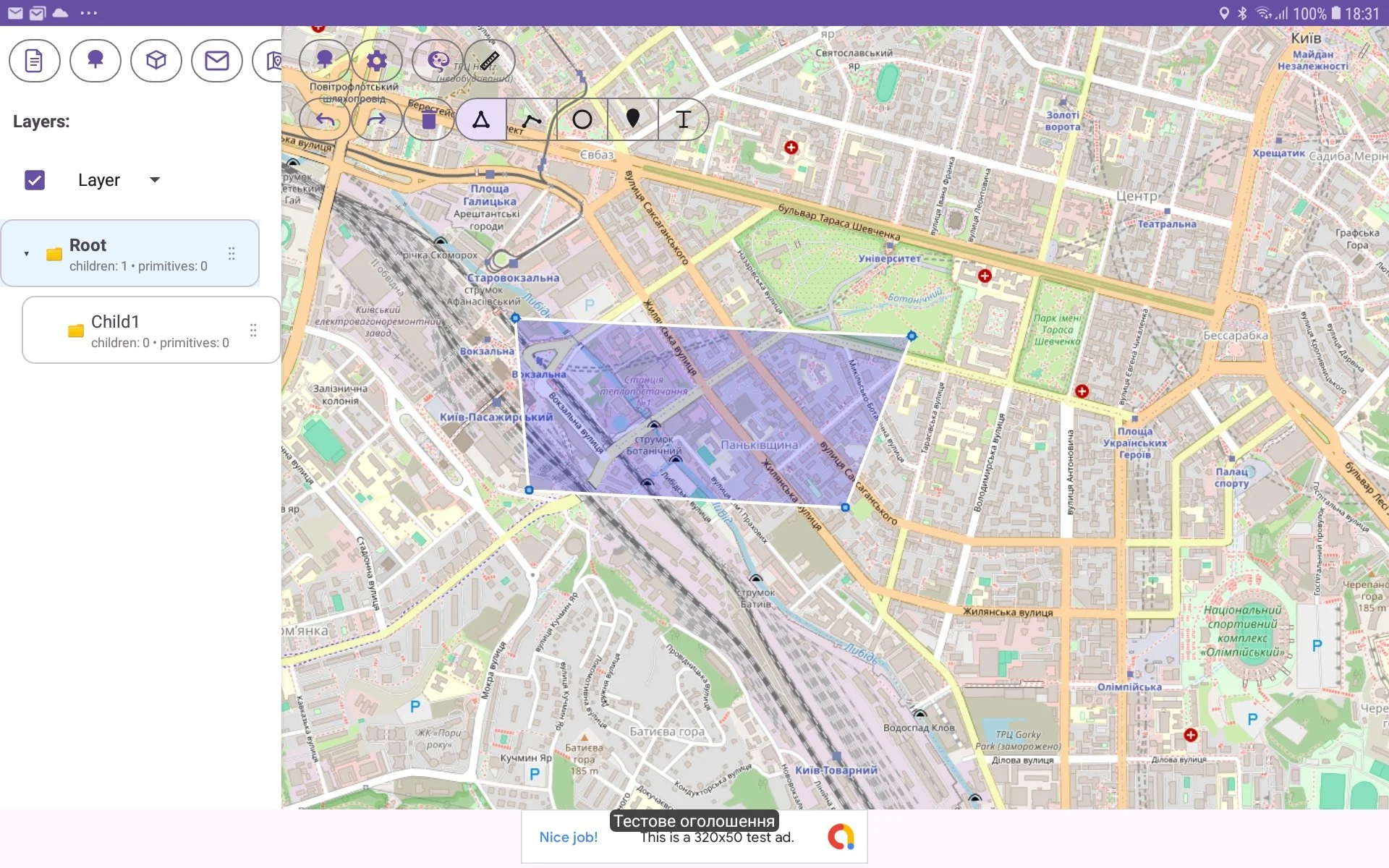
How to do undo/redo command when you are editing graphics
When you are editing object graphics you can perform undo/redo command for canceling last action. For this you should press left/right round arrow in map toolbar. For canceling last action (undo) you must press left round action. For returning canceled action (redo) you must press right round arrow.