Previous
Previous
How to save the document and the objects
Next
Next
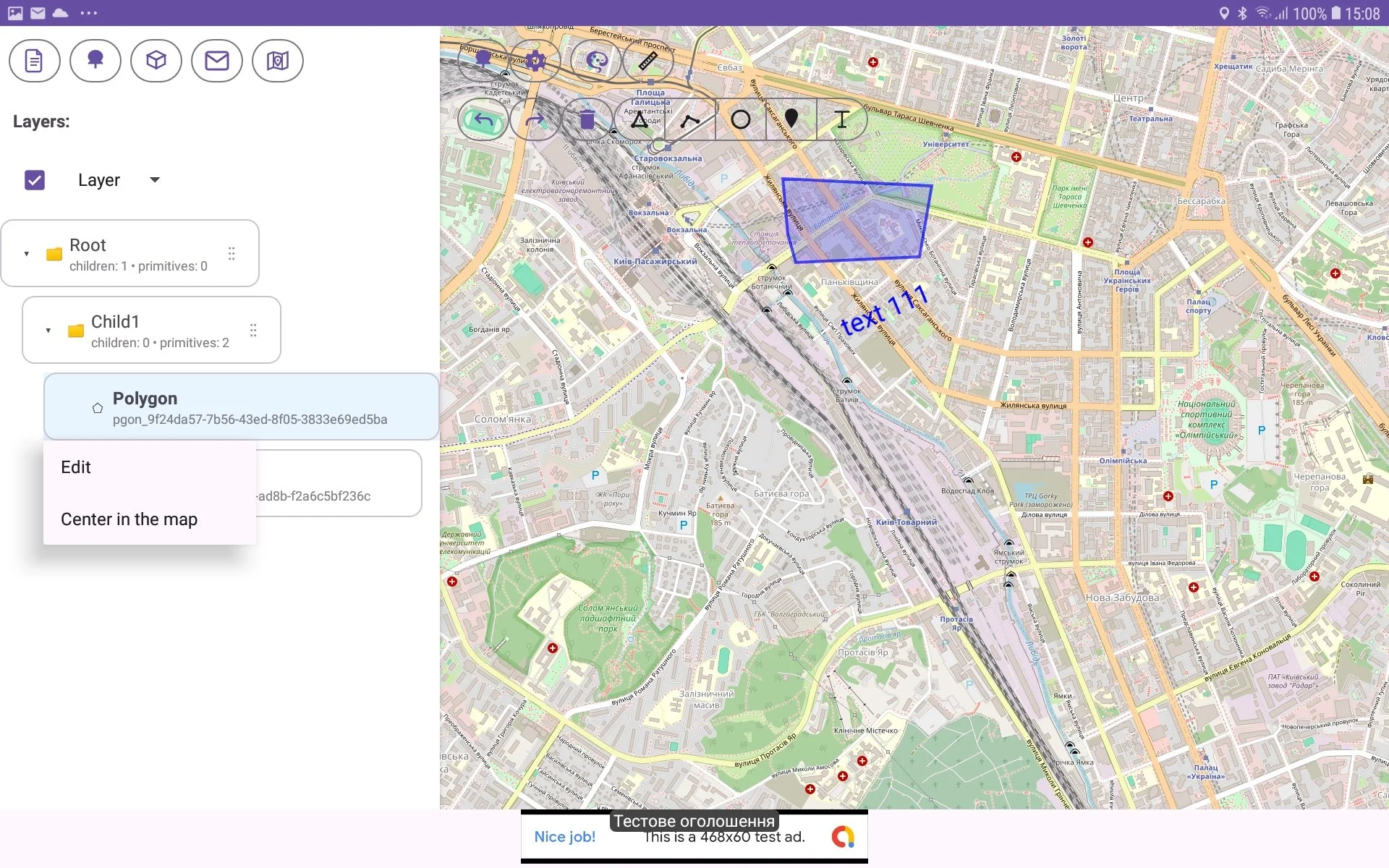
For centering a primitive on a map perform such actions:
select a particular primitive in Tree View;
make long press on the primitive;
in risen menu choose ‘Center in the map‘ menu item;
the primitive will be centered and selected in the map view. Zoom is not changed.