Working with a subscription
If you want to have premium access to GISFlow (including Google Map engine and absence of advertisement) you can buy premium subscription. For this you should perform such actions:
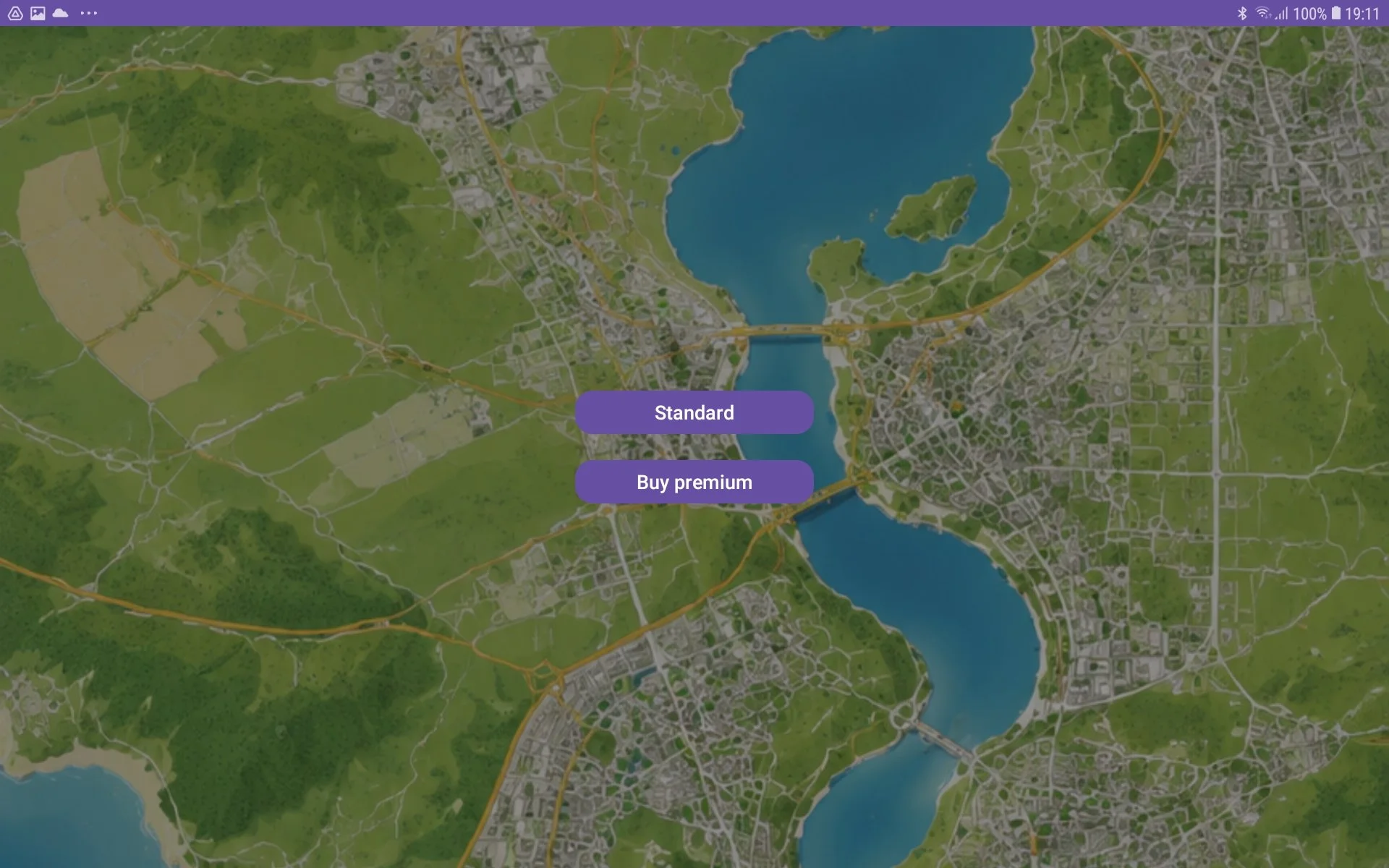
on Start screen press ‘Buy premium‘ button;
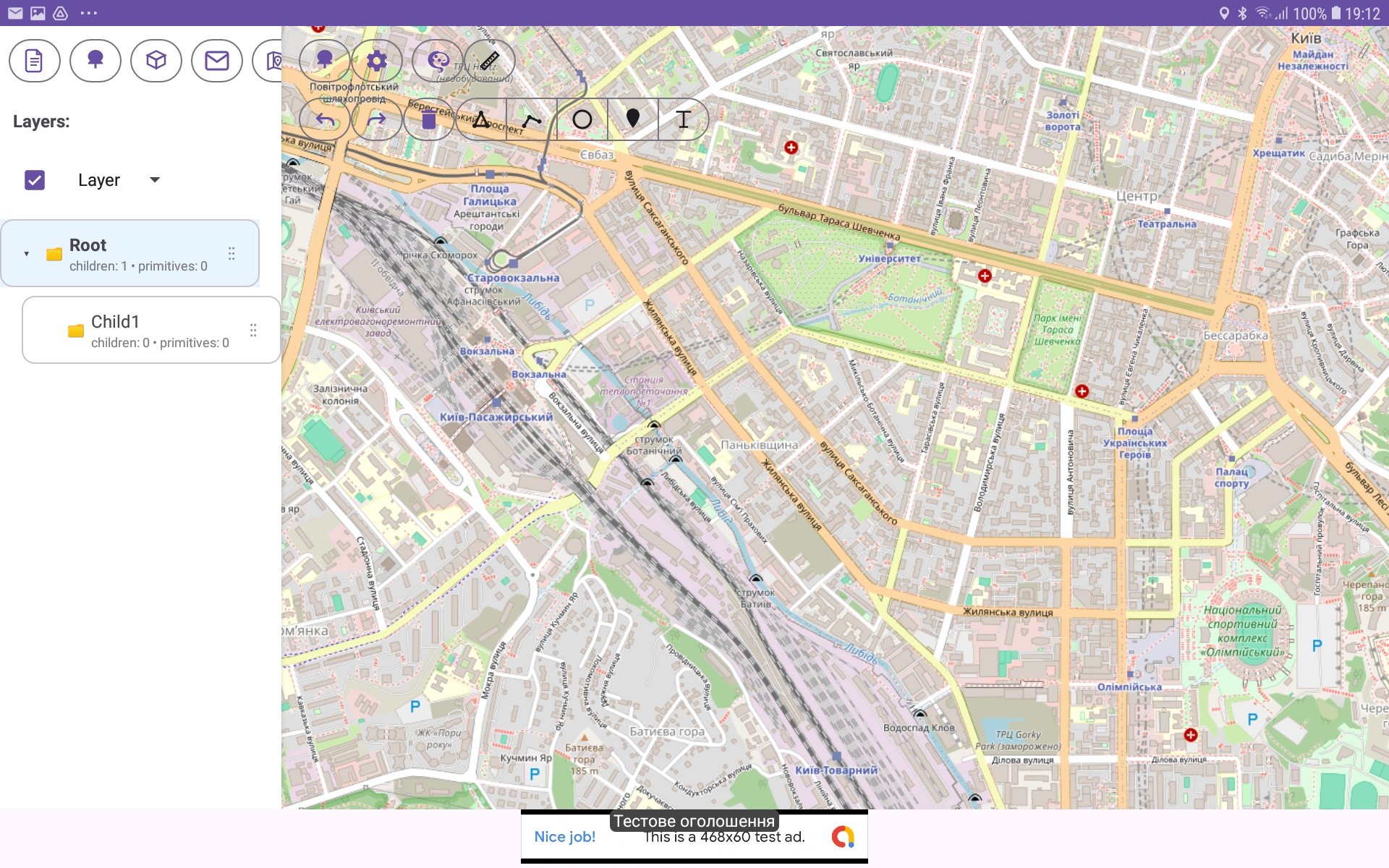
or in the application in a Map View press ‘Settings‘ button (with gearwheel icon) in the toolbar;
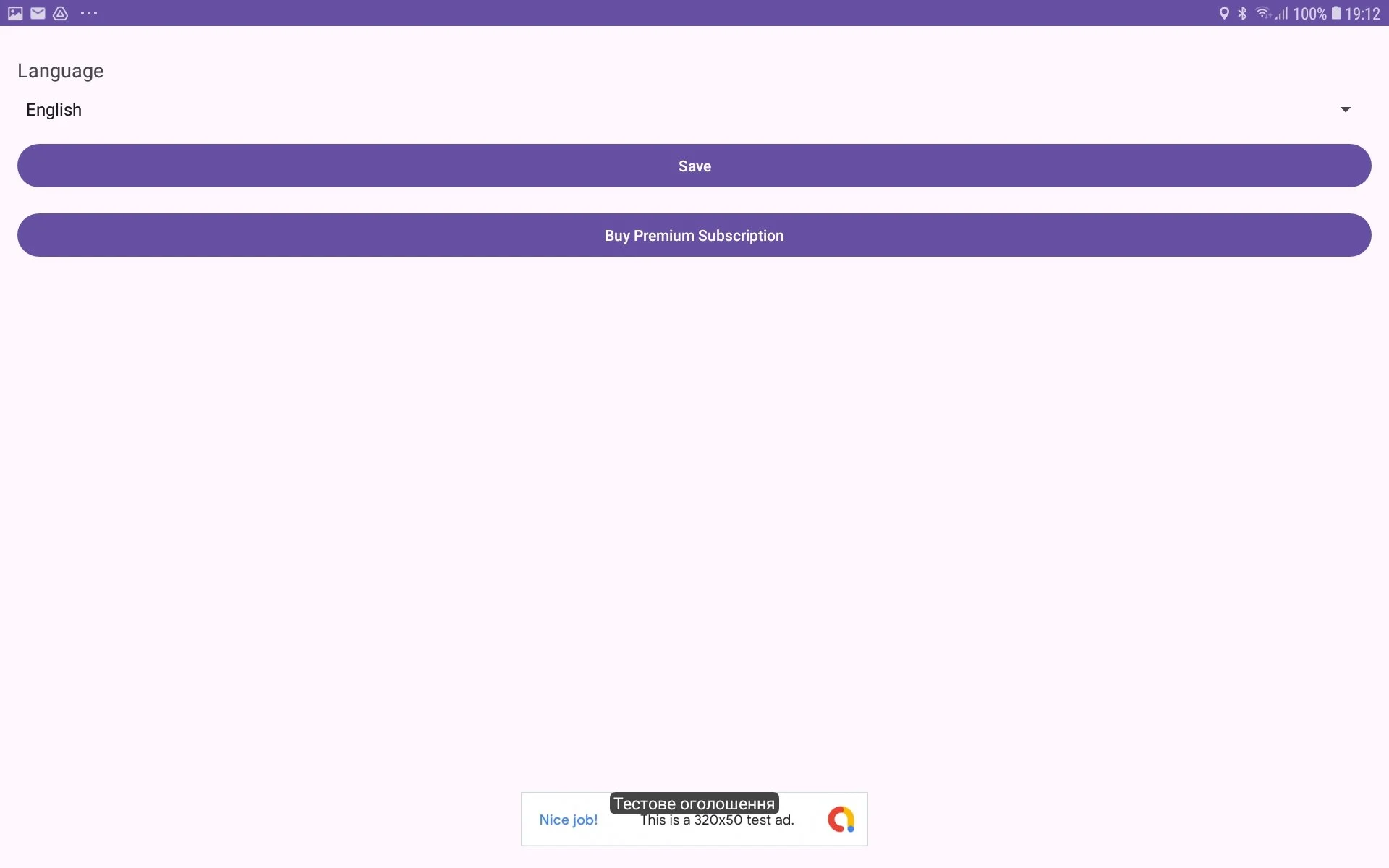
and then in Settings window press ‘Buy premium subscription‘ button;
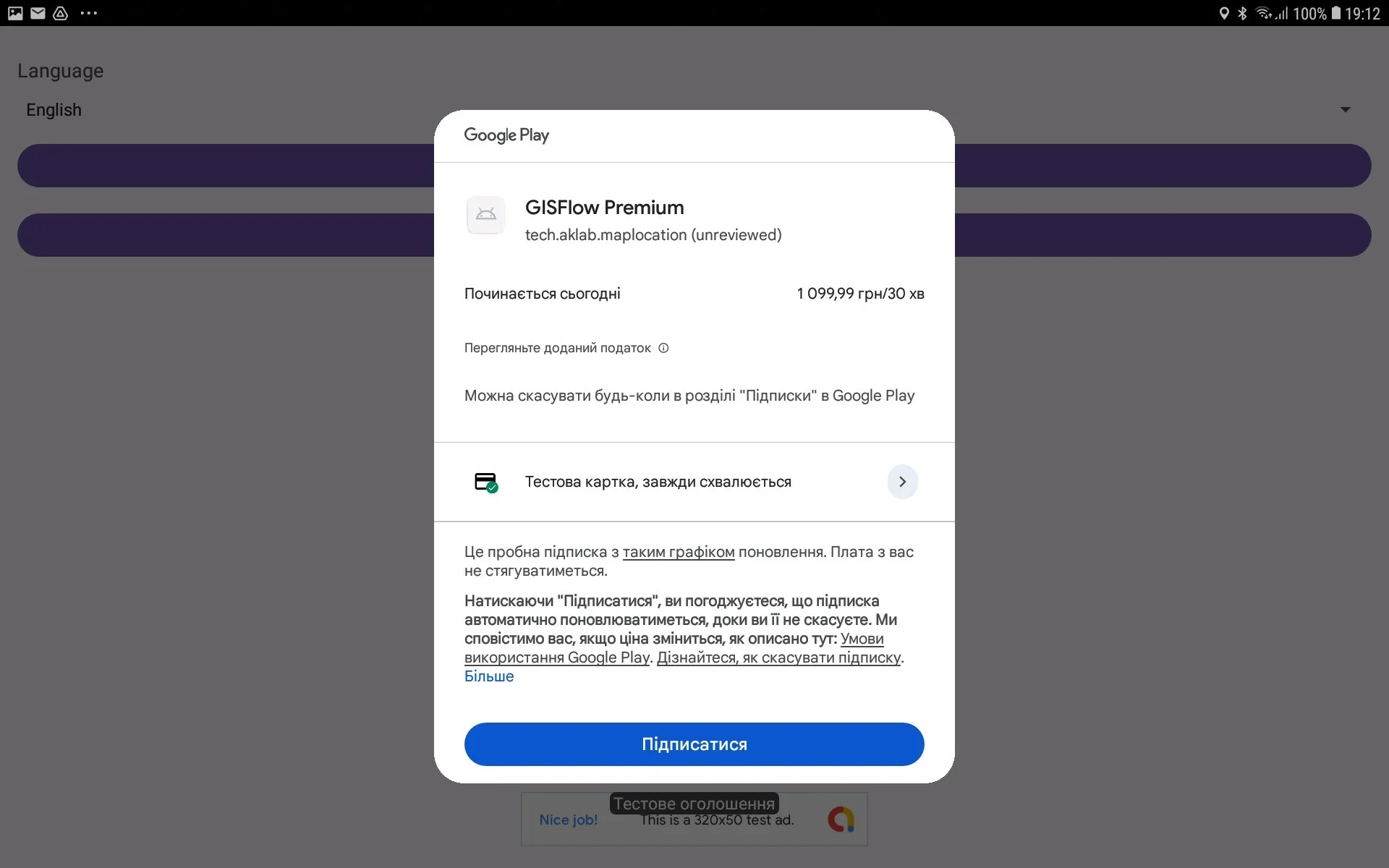
in opened Play Market window buy the Premium subscription;
so subscription is bought;
For canceling prolonging subscription you should perform such doing:
go to Settings window (Settings button on Map View);
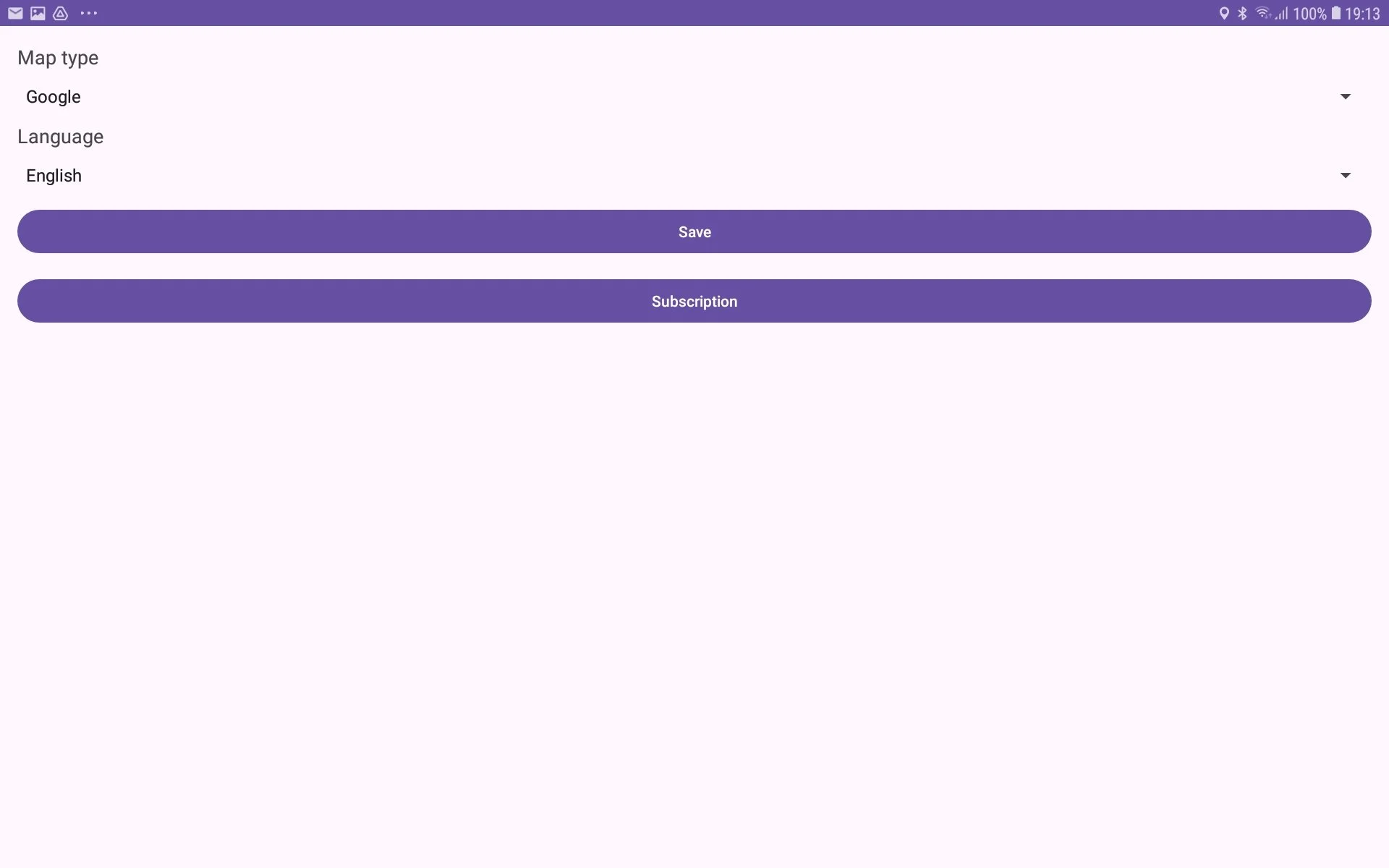
press ‘Subscription‘ button;
Play Market Subscription window will be opened;
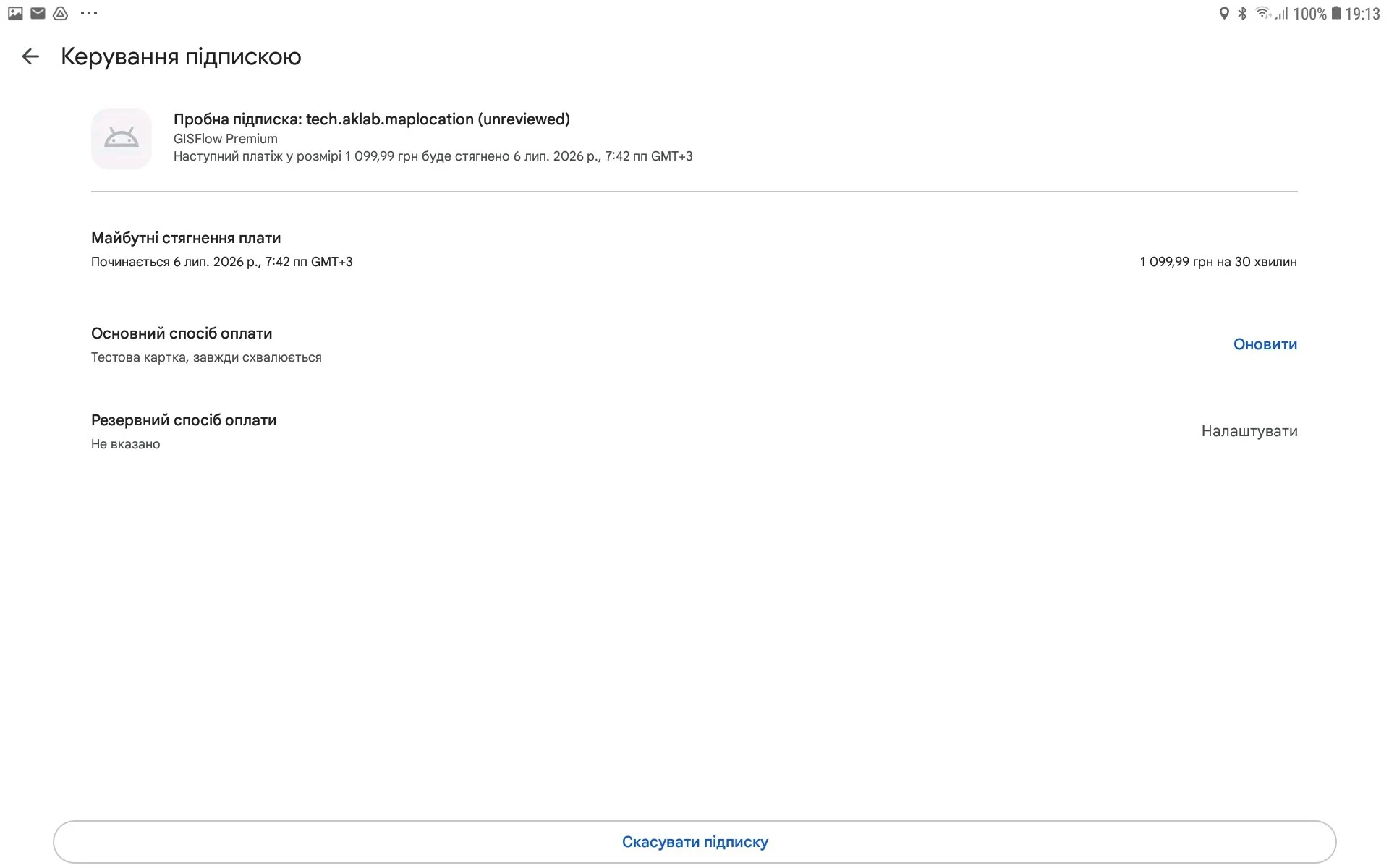
Press ‘Cancel subscription‘ button. The subscription will be canceled.
