Drawing a text
For drawing a text:
on tree view select an object which will be an owner;
go to the map view;
select text drawing mode (press button with a symbol ‘T’ in a toolbar);
tap point on map. This point will be a anchor point of a text;
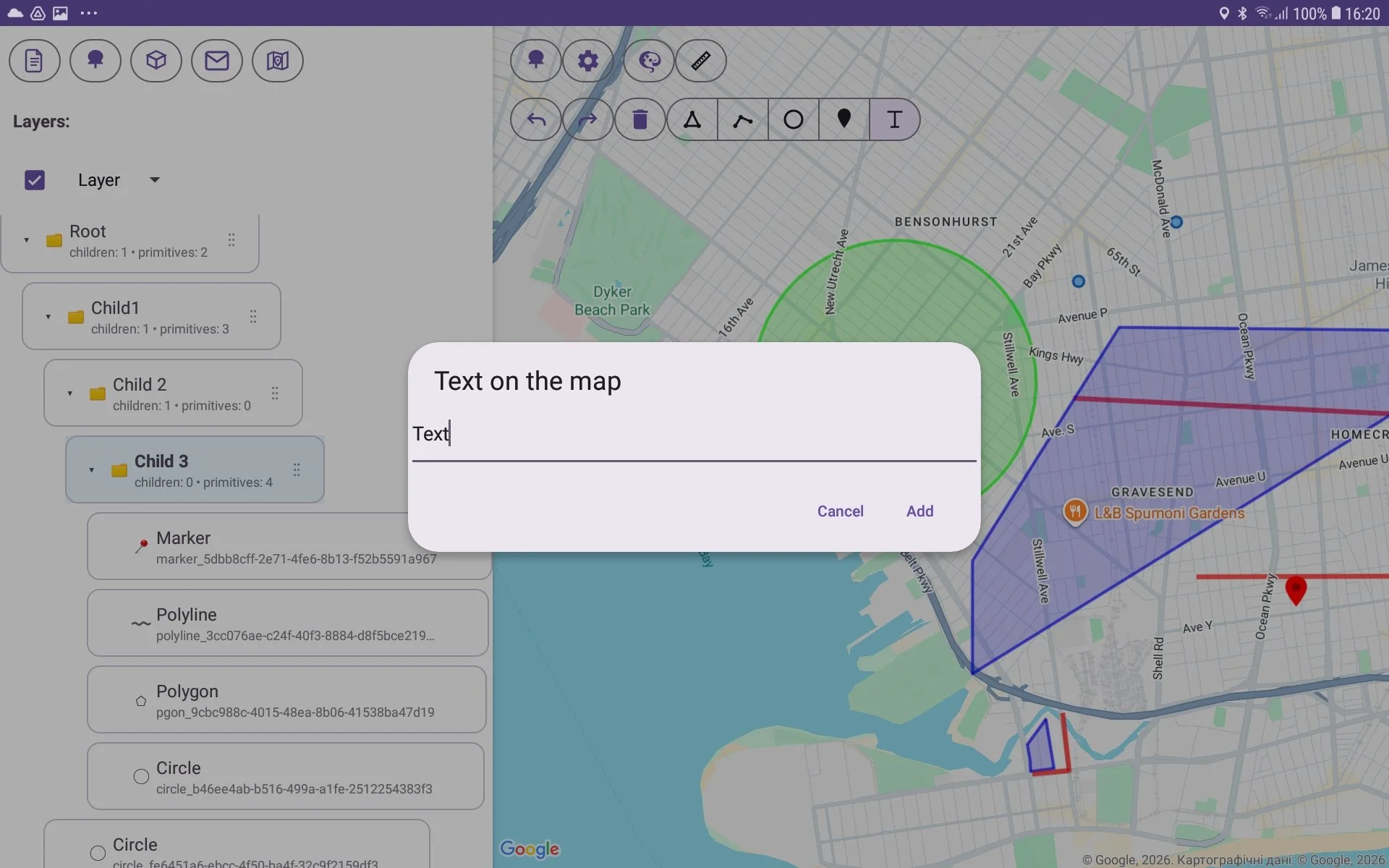
then make long press on a map for setting text direction and call a window for text entering;
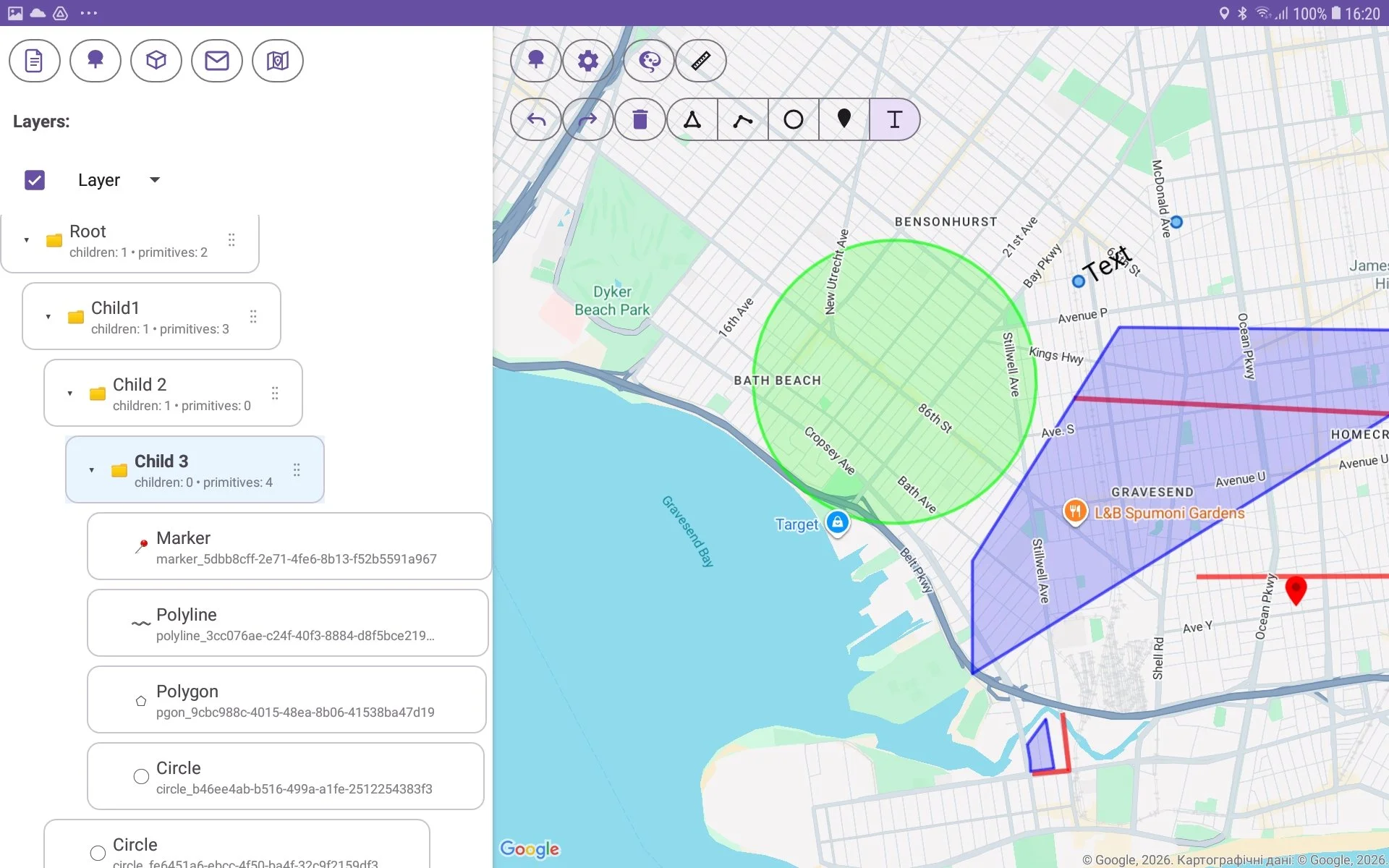
after this the text is shown on a map;
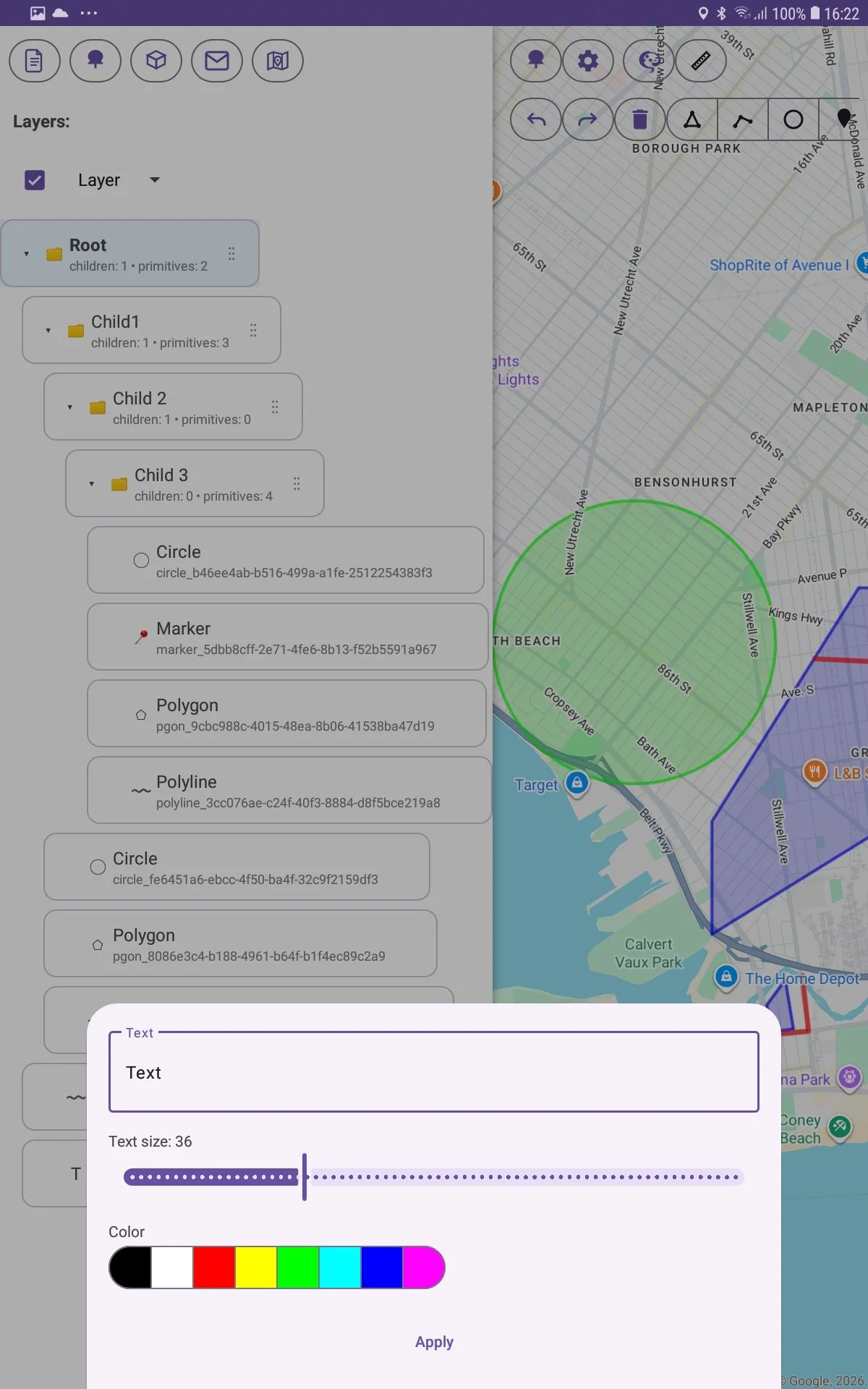
you can change style for this text (size and color). For this press button with palette in toolbar and set styles which you want;
for finishing of text drawing make double click on the map. It finish creation process.
