How to select map engine
If you got Premim subscription you can choose map engine for your application. For this it is necessary to go to map view and press Settings button (it is button with gearwheel icon). You see Settings window.
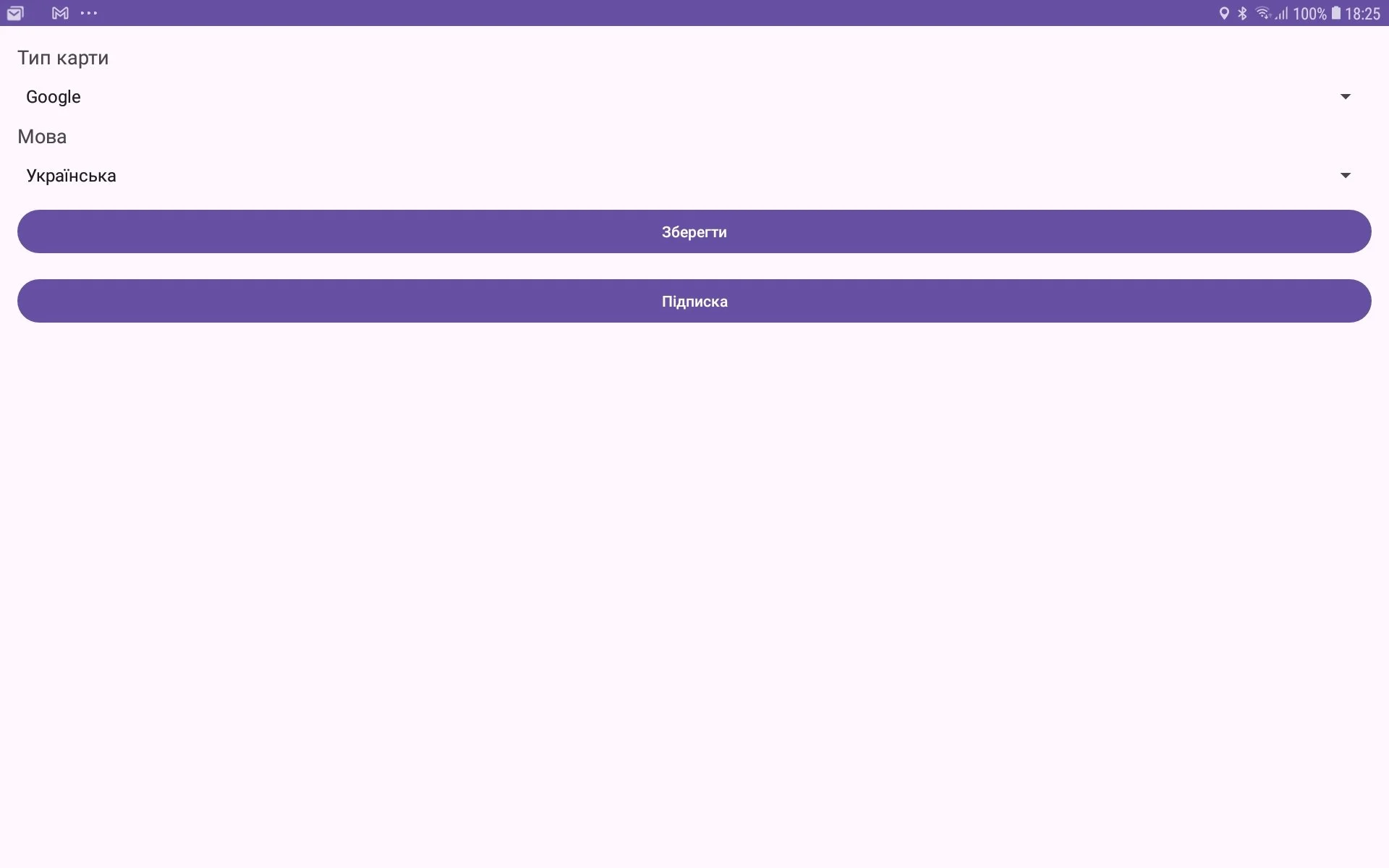
On this window you see Map type spinner. You can choose between OSM maps (Open Street Maps) and Google Maps. Please select it according your preferences. Press button Save for saving your choice.
