How to select User Interface language.
You can select UI language for your application. By default it selected according device language. But you can change it. For this it is necessary to go to map view and press Settings button (it is button with gearwheel icon). You see Settings window.
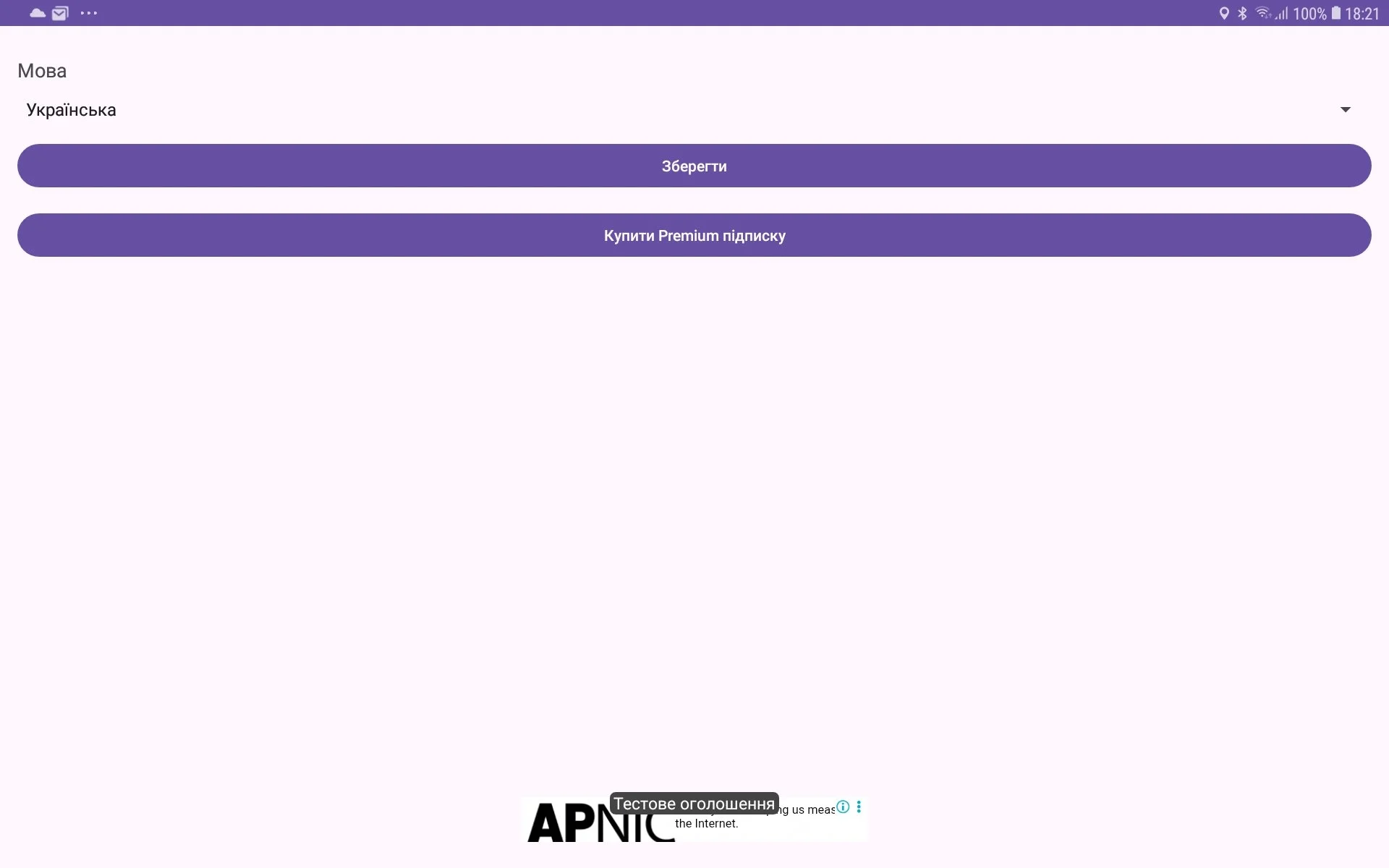
You have seen the language spinner with set of languages. Choose necessary language and press Save button. UI language will be changed.
