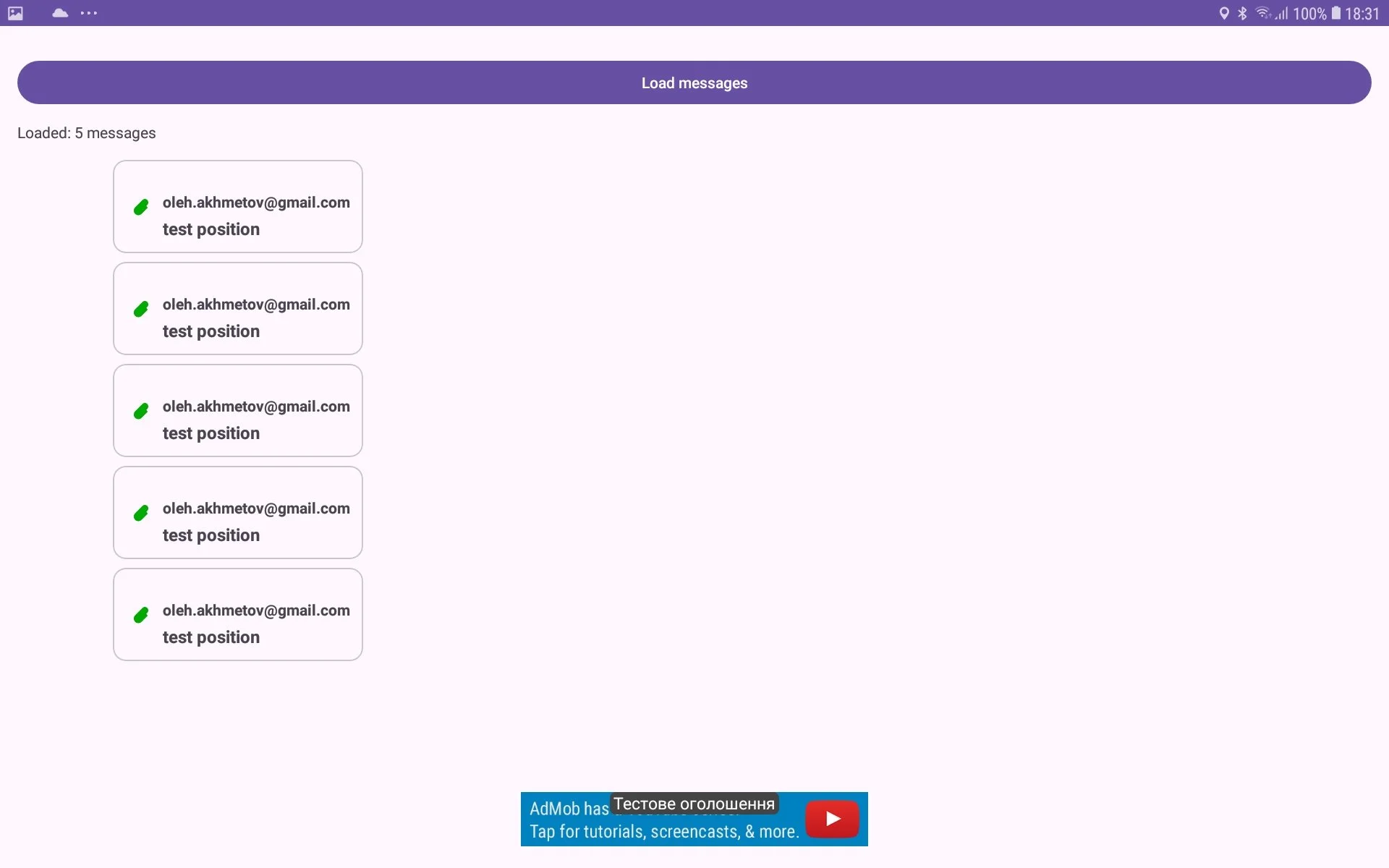
How to edit a contact list and to watch contact messages.
If you want to edit contact list you should do such actions:
open Messages menu (it is a button with Envelope icon) in tree view;
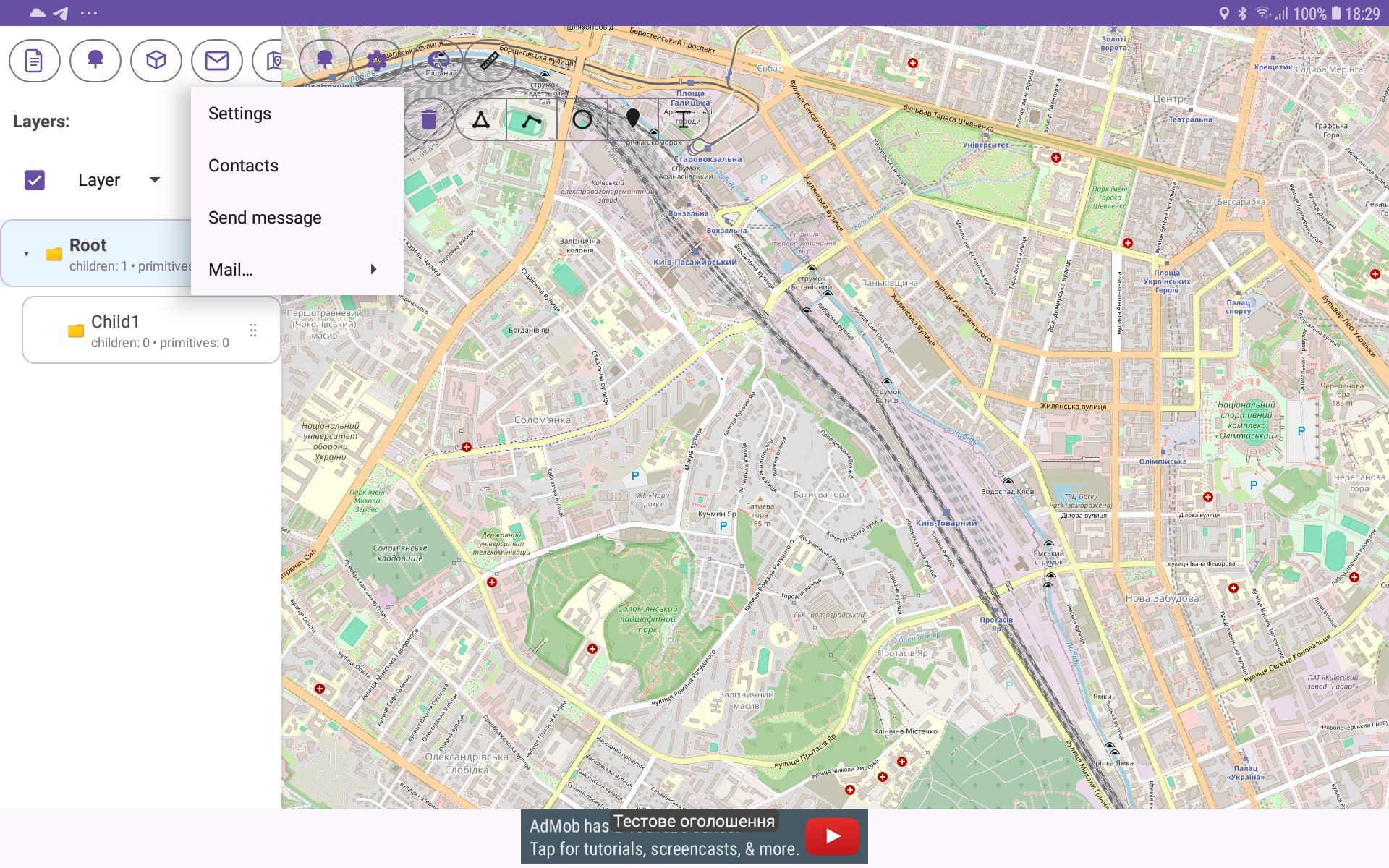
choose ‘Contacts‘ menu item;
you see Contacts list window;
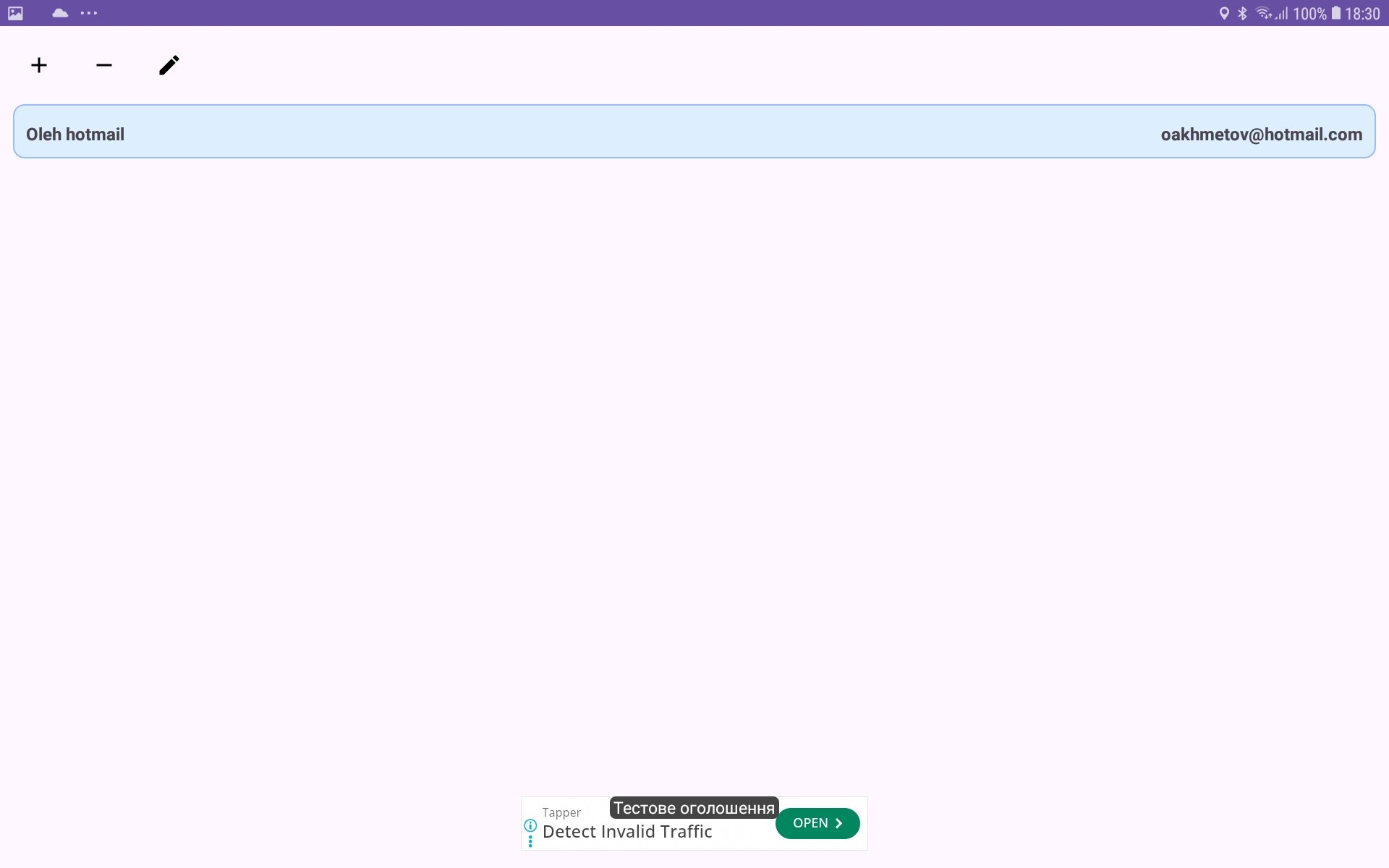
for adding new contact press ‘+‘ button;
if you want to edit existing contact - select it in list and press the button with pen icon or make long press on the contact and select ‘Edit‘ menu item in Contact menu;
Contact editing window will be shown;
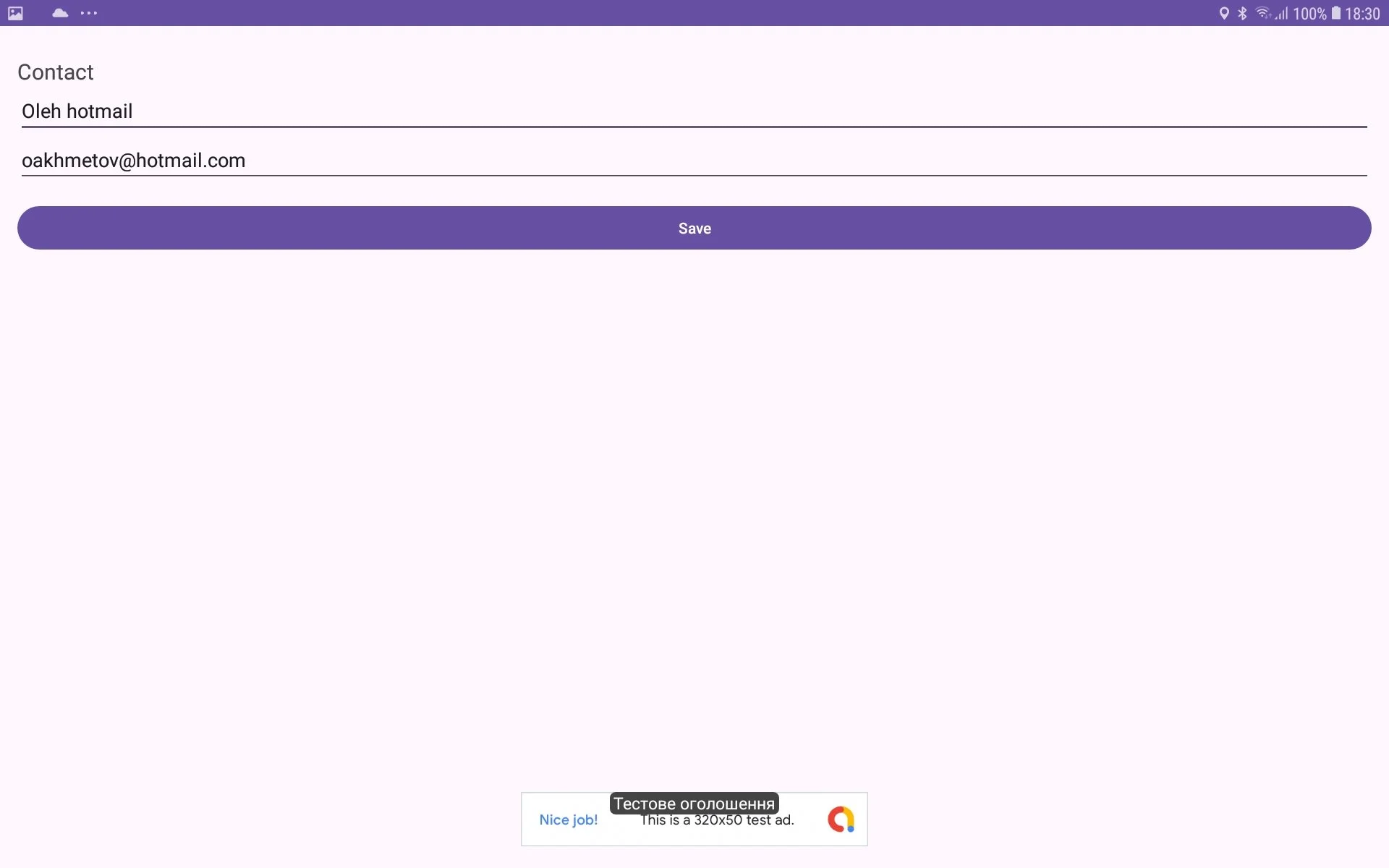
you can enter or edit contact name and contact eMail;
then press Save button for saving changes;
If you want to see messages what you received or sent from/to the contact you should do such actions:
in Contact list window choose particular contact and make long press on it;
when Contact menu is shown choose Messages menu item;
Messages window will be shown. In this window you can see messages from/to the contact which you received or sent. Make long press on a message and then choose ‘View‘ menu item if you want watch it.