How to check incoming or outgoing messages
If you want to check incoming or outgoing messages you should perform such actions:
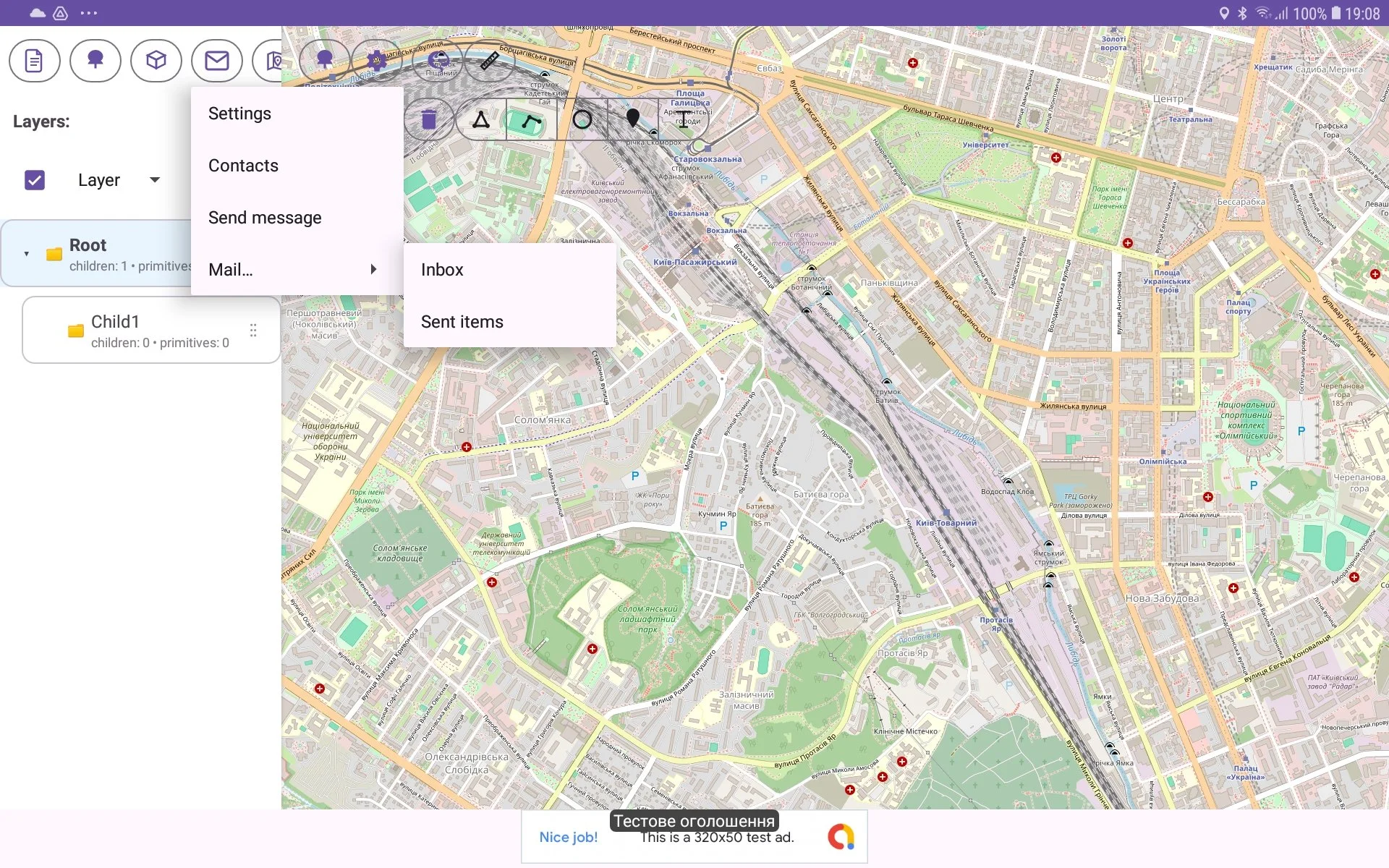
in Tree View press Message button in toolbar;
then in risen menu choose ‘Mail‘ menu item and in shown submenu choose ‘Inbox‘ or ‘Sent items‘;
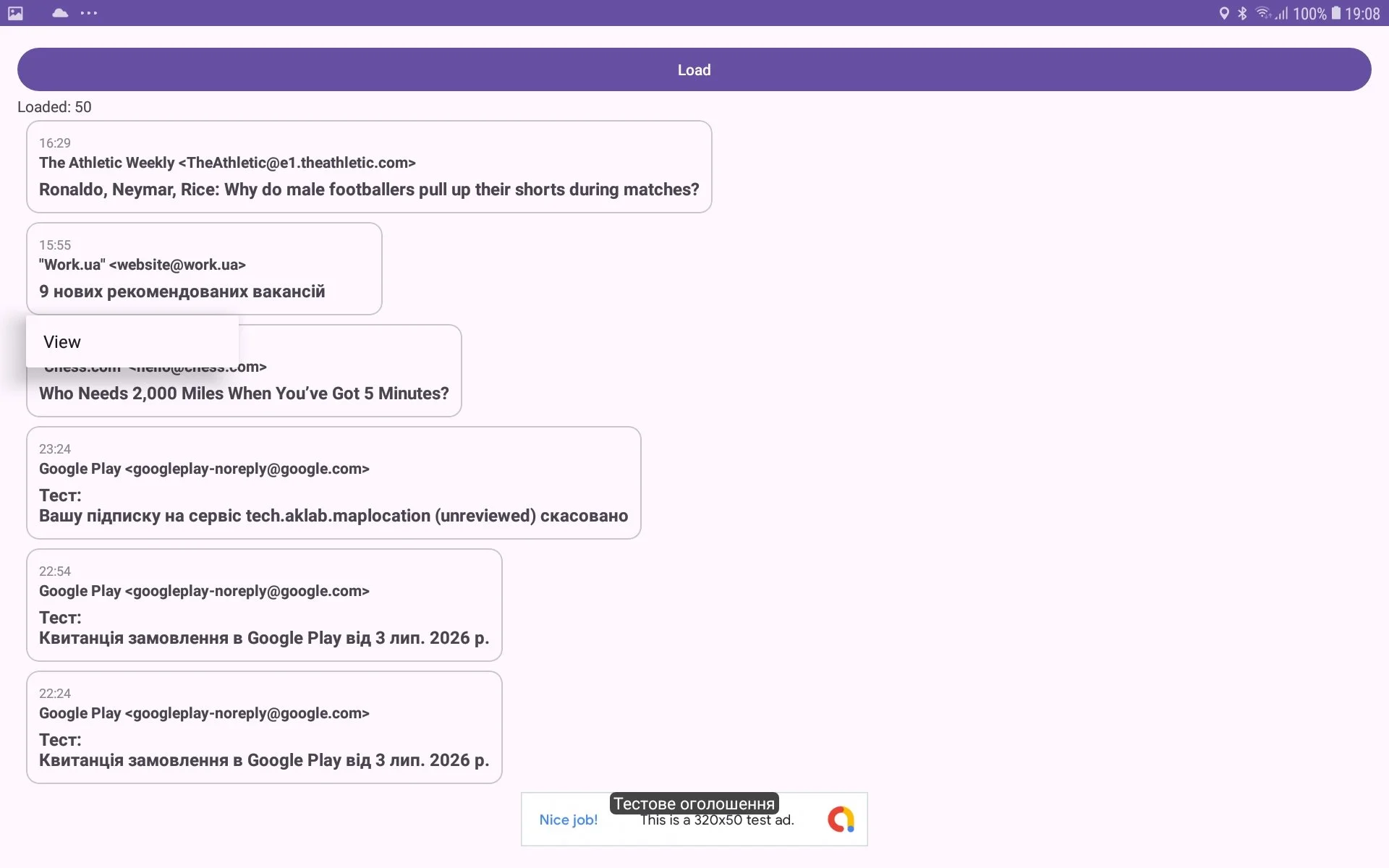
you see window with incoming or outgoing messages;
make long press on a particular message and choose View menu item if you want to read the message.