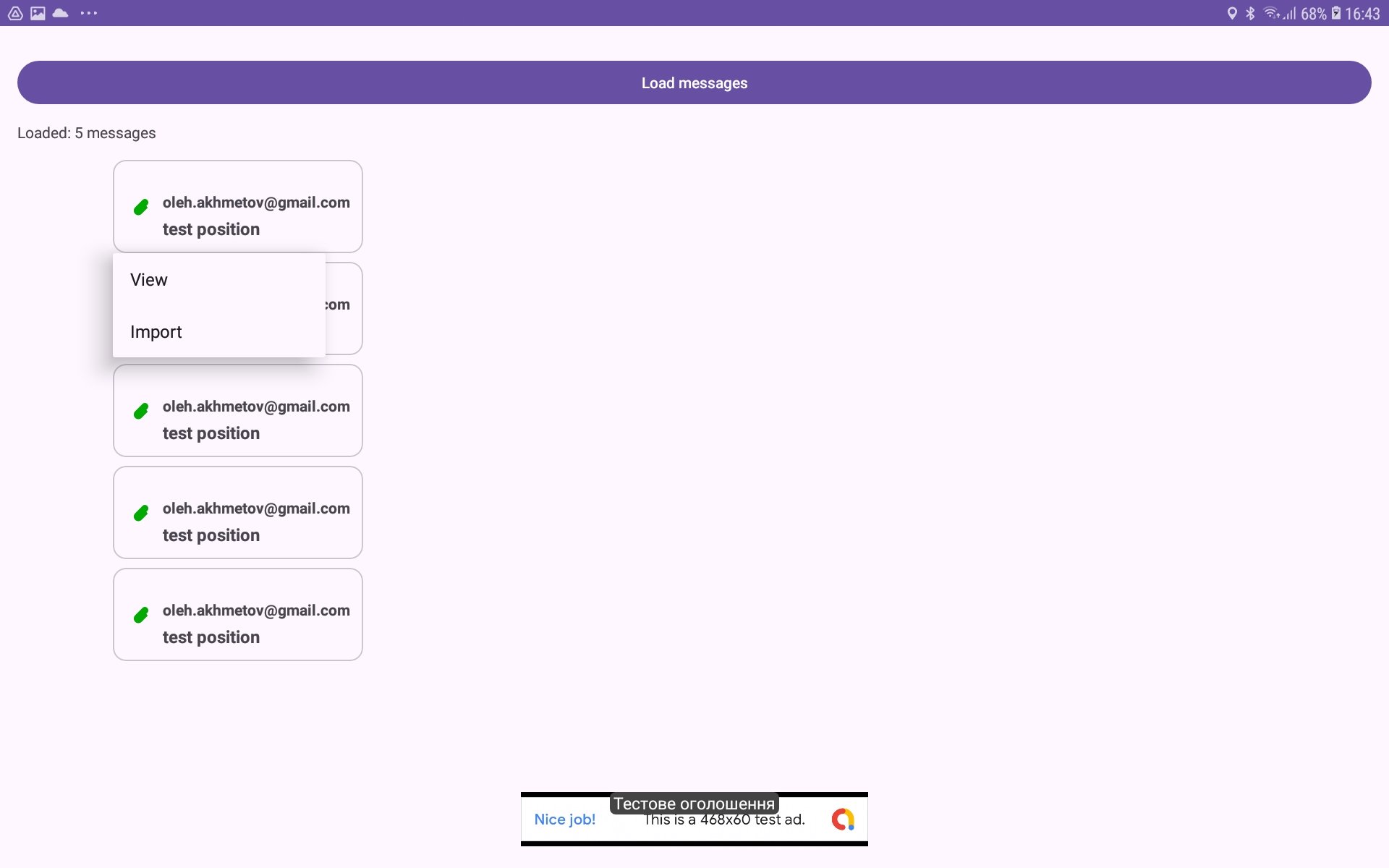
How to import received file
There is possibility to import received file such as KML/KMZ or PML/PMZ (internal format for storing object information including spatial data). For this purpose you should perform such actions:
got to Incoming messages window (such as Inbox or Contact messages);
make long press on message with green paper clip icon (this icon shows that message contains attached data file such as KML/KMZ or PML/PMZ);
select ‘Import‘ menu item in risen popup menu;
in case KML/KMZ new layer will be added;
in case PML/PMZ existing objects will be modified or new ones will be created if necessary objects are absent.