
Previous
Previous
How to import received file
Next
Next
You can import KMZ/KML file. For this you should perform such actions:
then press Tree Menu button (with tree icon) in toolbar;
select menu item ‘Import‘;
select ‘Import from KMZ/KML’ item in submenu;
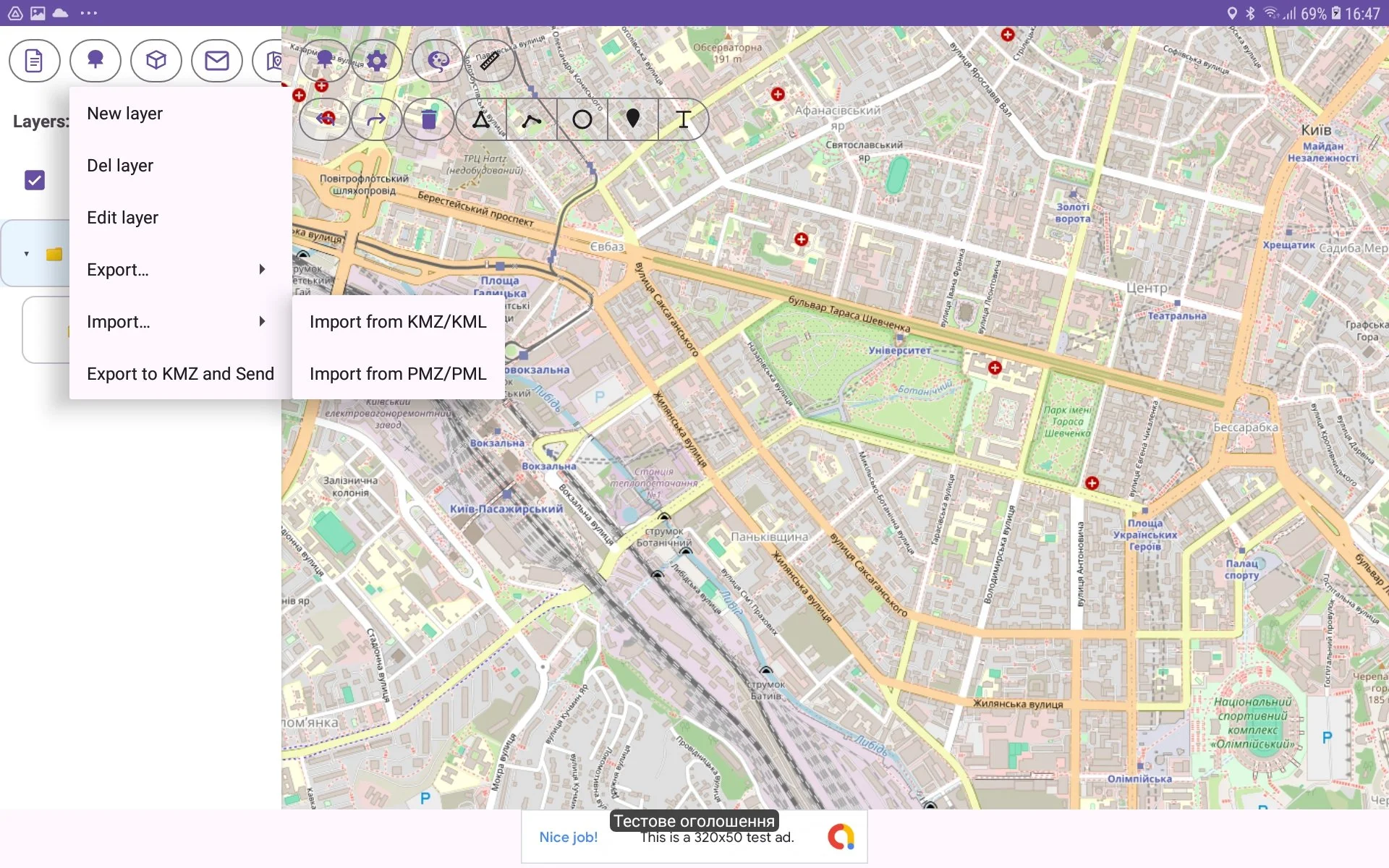
select necessary file in Select File Window.