How to export to KMZ and send to other user
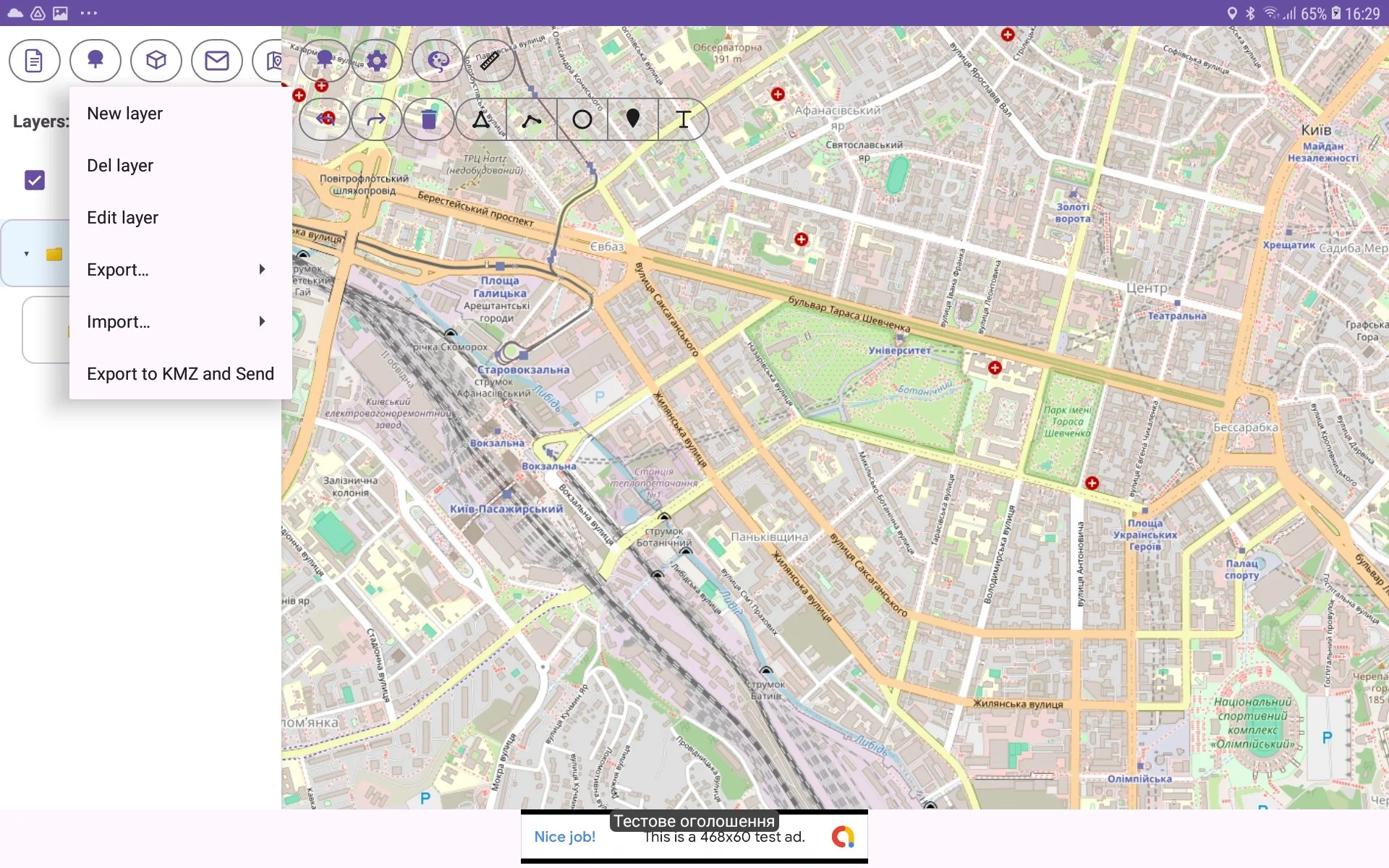
There is possibility to export custom layer (tree) intoKMZ format (Keyhole Markup Language) and send exported file to another user. For this you should perform such actions:
go to Tree View and select required layer in spinner Layers;
then press Tree Menu button (with tree icon) in toolbar;
choose ‘Export to KMZ and Send‘ menu item;
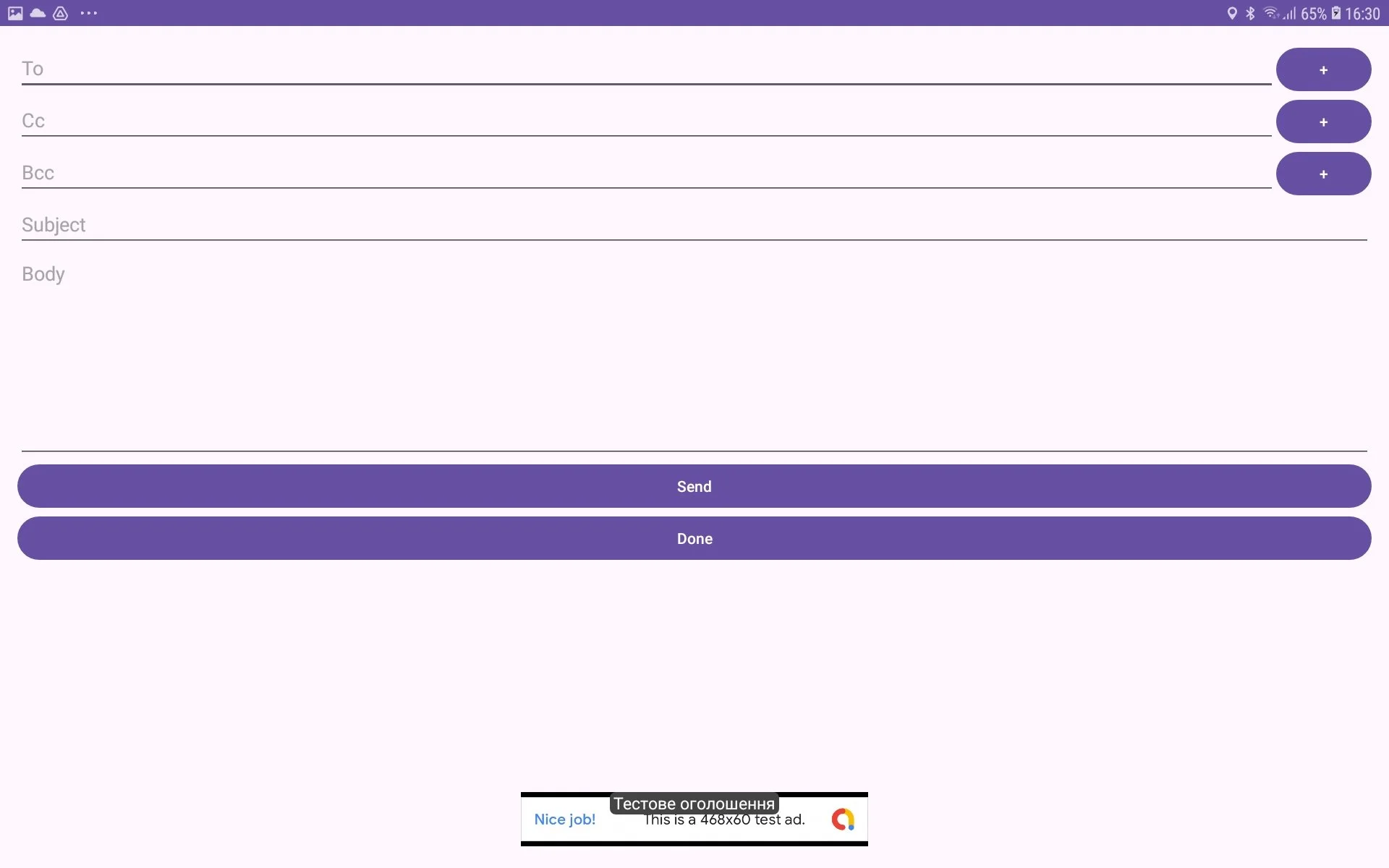
in risen Compose window enter To, Subject, Body field;
press Send button if you want to send this file immediately or press Done button if you want to do it later.