
Previous
Previous
How to create object send task
Next
Next
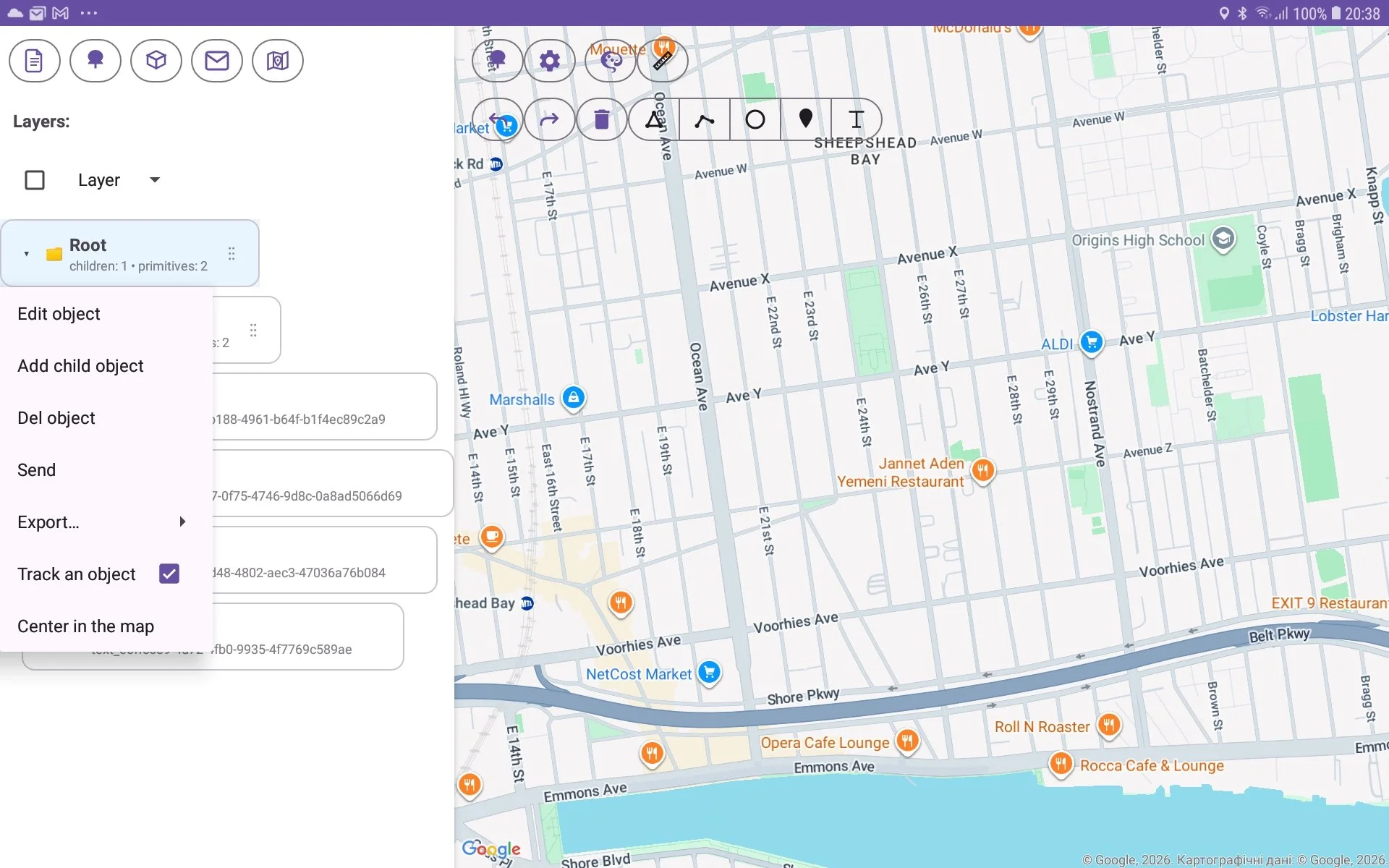
For tracking object location it is necessary:
open Tree View;
select object by long press to object;
check ‘Track an object‘ menu item.
As result object graphics will be move to position according GPS location.